
Pets
Furbo 360° Dog Camera Review: See, Talk to, and Treat Your Dog From Anywhere
This is a pet camera that turns its head, talks back, and lobs a treat across the room — the Furbo 360° keeps your dog in frame and in conversation while you are away.
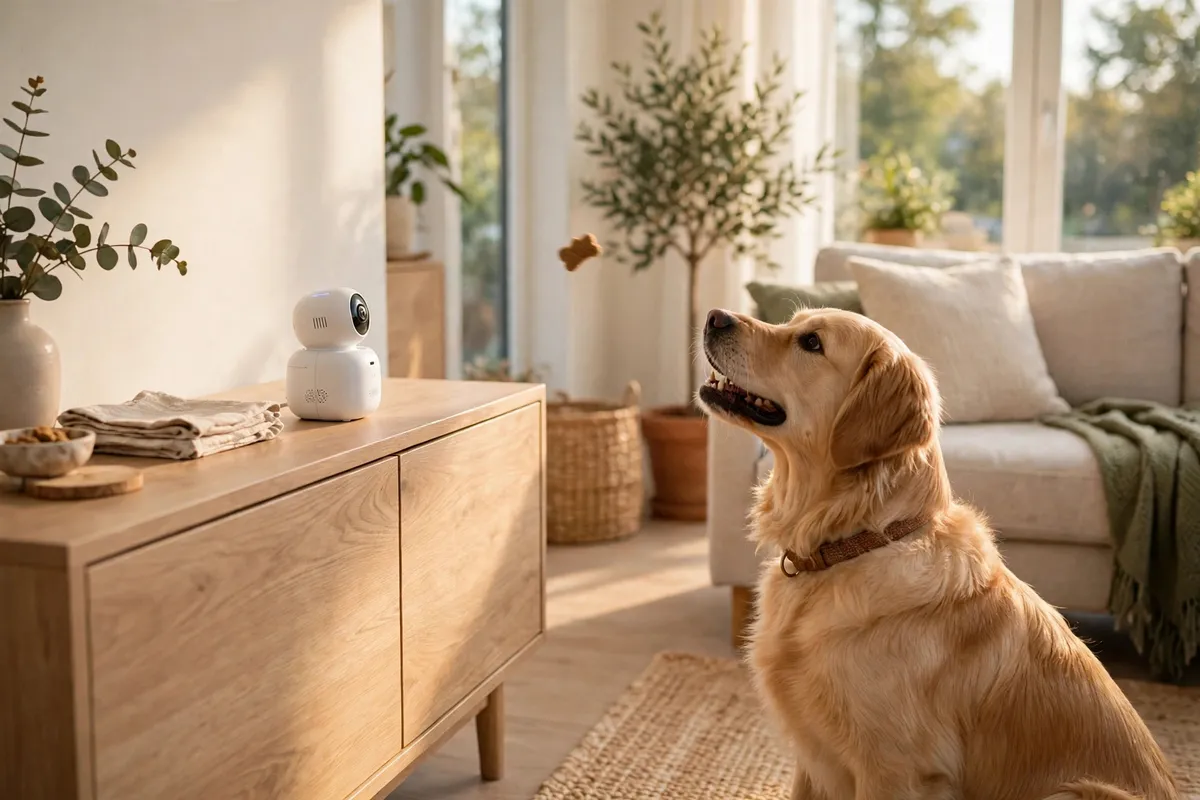
Most pet cameras are really security cameras with a dog in front of them. The other kind is built around the owner-dog bond, and the Furbo 360° belongs firmly in that second group. Its head spins a complete 360 degrees and tracks your dog around the room, a treat launcher turns a quick check-in into play, and bark alerts flag the moments worth opening the app for. It costs about $200. Here is how it holds up in everyday use.
Our Verdict
For anyone checking in from the office or abroad, this is the most involving dog camera we have tried: the spinning, self-tracking lens keeps your dog in shot, and tossing a treat makes the exchange feel like company rather than surveillance. Image quality and alerts are both strong, although the cleverest features need a subscription. It sells for around $200.
WHBUYS Score: 4.4 / 5
Shop Furbo 360° Dog Camera (from $200)1. Camera, Rotation, and Picture Quality
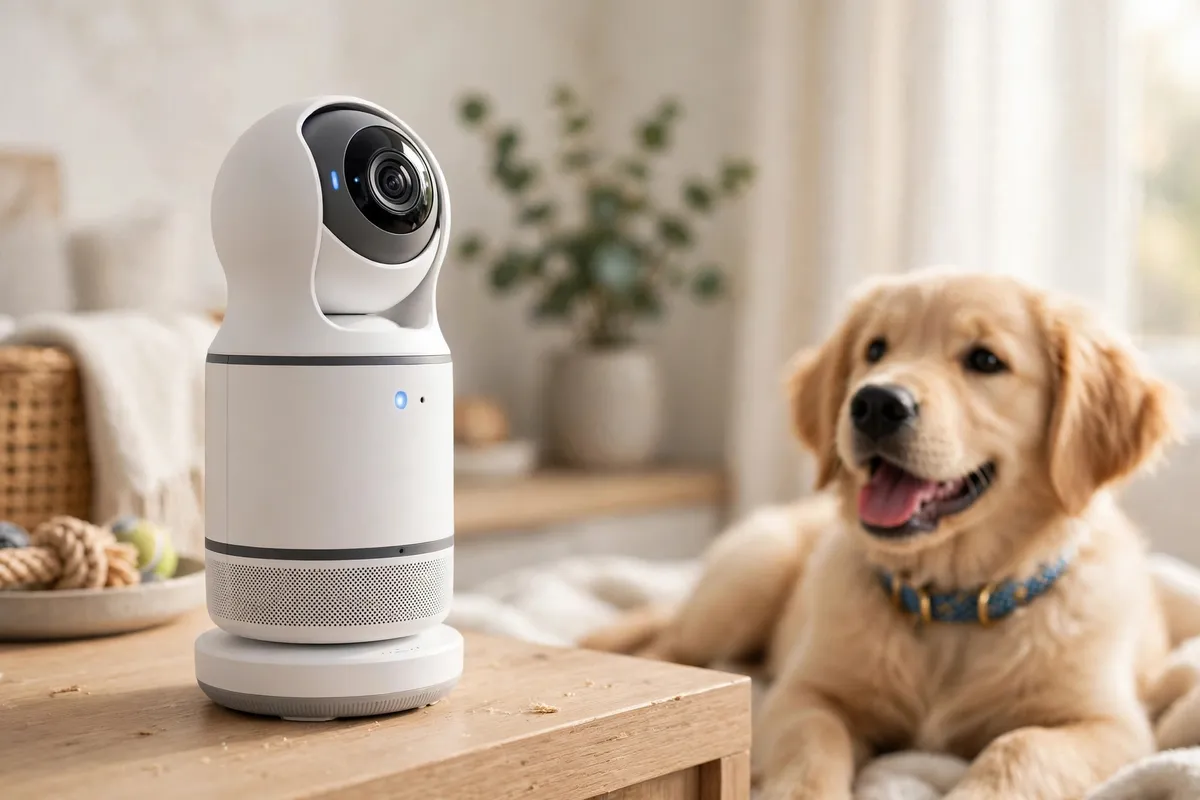
The rotating head is the main event. Rather than a fixed wide shot, the lens sweeps a full circle and trails your dog as they roam, ending most of the 'where has he gone?' guesswork fixed cameras force on you. It records in 1080p Full HD through a wide-angle lens, colour night vision keeps the feed useful after dark, and the 4x digital zoom lets you tell a sleeping dog from a cushion on the sofa. Daylight footage is sharp enough to catch expressions, and at normal living-room distances the picture holds up in dim light too. When auto-tracking loses a dog that has settled behind the furniture, you can take over the pan yourself from the app.
2. Treat Tossing and Two-Way Talk
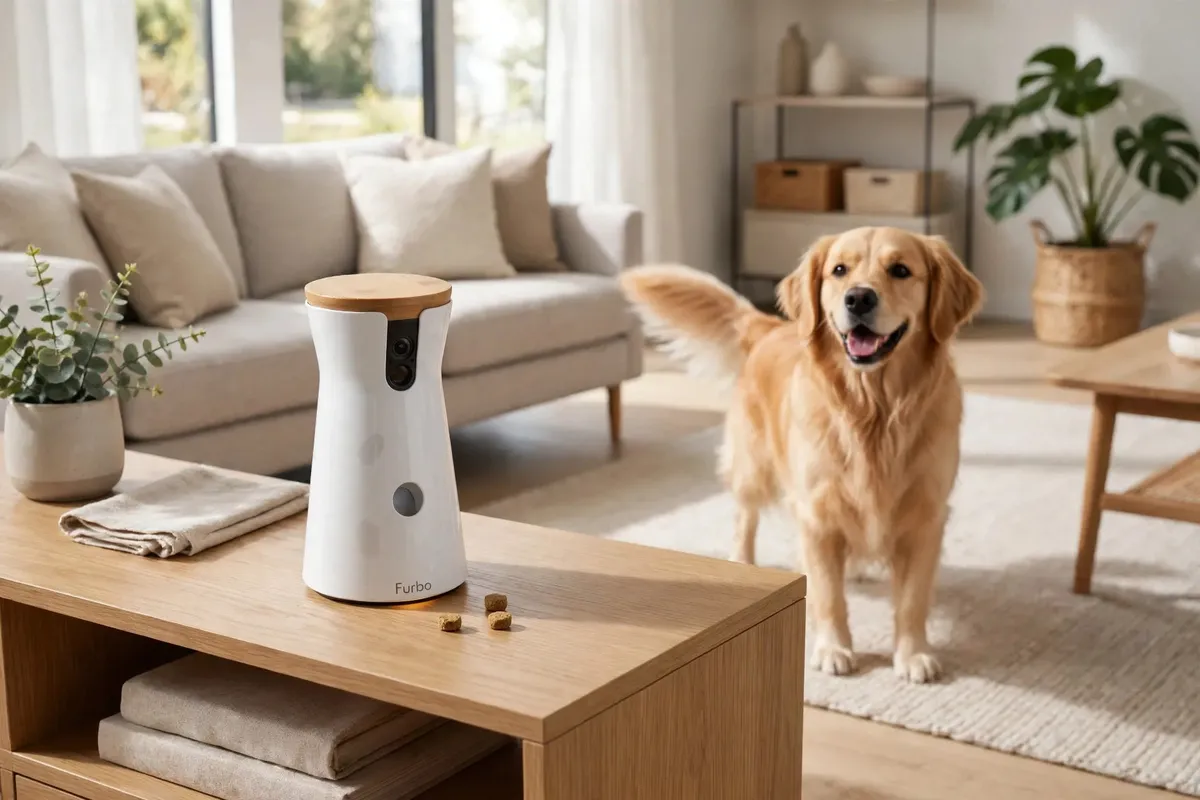
The treat launcher reads like a novelty until it becomes the reason you open the app every day. Fill the hopper with small round treats, press the button, and the unit chirps before firing one across the floor — most dogs learn the cue within a day or two and come sprinting, which conveniently puts them right in front of the lens. Two-way audio means you can speak to your dog and hear them back; the speaker is clear enough that a familiar voice can settle an anxious animal, although a voice from nowhere can puzzle some dogs briefly until they link it to the treats. Put together, the camera stops being a passive feed and starts being a visit.
3. Barking Alerts and the App
An all-day feed is only as good as its notifications, and the barking alert does the heavy lifting: a push message whenever your dog barks, so you look in when it counts — a courier at the door, a dog rattled by thunder. The app keeps it simple, with live view, a recorded-event timeline, and the toss and talk controls on a single screen. Paying for the optional plan sharpens the alerts — person detection, crying and chewing detection, plus a daily highlight reel of your dog — while the free tier keeps live view, barking alerts, tossing and talking, with event history and the smarter alerts held back.
4. Setup and What to Know Before Buying
Getting going takes minutes: plug it in, join your home Wi-Fi from the app, load the treat hopper, and set it somewhere steady at roughly chest height with a clear throwing lane in front. Pick the room your dog actually spends time in, and don't leave it where a determined dog can shove it off a low table — a full hopper is a powerful incentive. Two things to weigh: this is unapologetically a dog device, with tracking and bark alerts built around canine behaviour, and several of the smart features you see advertised only unlock with the subscription, so add that to the real cost if those are what sold you on it.
What we like
- Rotating camera auto-tracks your dog — no empty-room footage
- Treat tossing makes check-ins genuinely interactive
- Clear 1080p video with color night vision
What to consider
- Smart alerts and video diary need a subscription
- Around $200 before any plan costs
- Must be placed where a treat-motivated dog cannot knock it over
Should You Buy the Furbo 360° Dog Camera?
It fits anyone working long days, travelling often, or living with a dog that panics when left alone — tracking, talking and treats together come as close as a camera gets to being there, and bark alerts spare you from staring at a feed all day. It is also a strong present for a new puppy owner. Pass if all you need is basic security video, which a plain camera does for less; if your dog couldn't care less about treats or voices; or if the subscription-only features are the main draw and you don't want another monthly payment. Judged as a dog camera first and a gadget second, it is the one we would choose for our own living room.
Frequently Asked Questions
Does the Furbo 360° work without a subscription?
Yes. Without a plan you still get live view, barking alerts, two-way audio, treat tossing and auto-tracking. The subscription adds person, crying and chewing alerts, cloud event history and the daily dog diary video.
What treats fit in the Furbo?
Firm, dry, round treats about half an inch wide are ideal. Soft or irregularly shaped pieces can block the launcher, so use uniform, solid treats and keep the hopper filled.
Can two people use the same Furbo?
Yes — family members can share access through the app, so several people can watch, speak and toss treats from their own phones.